Best AI Image Generator

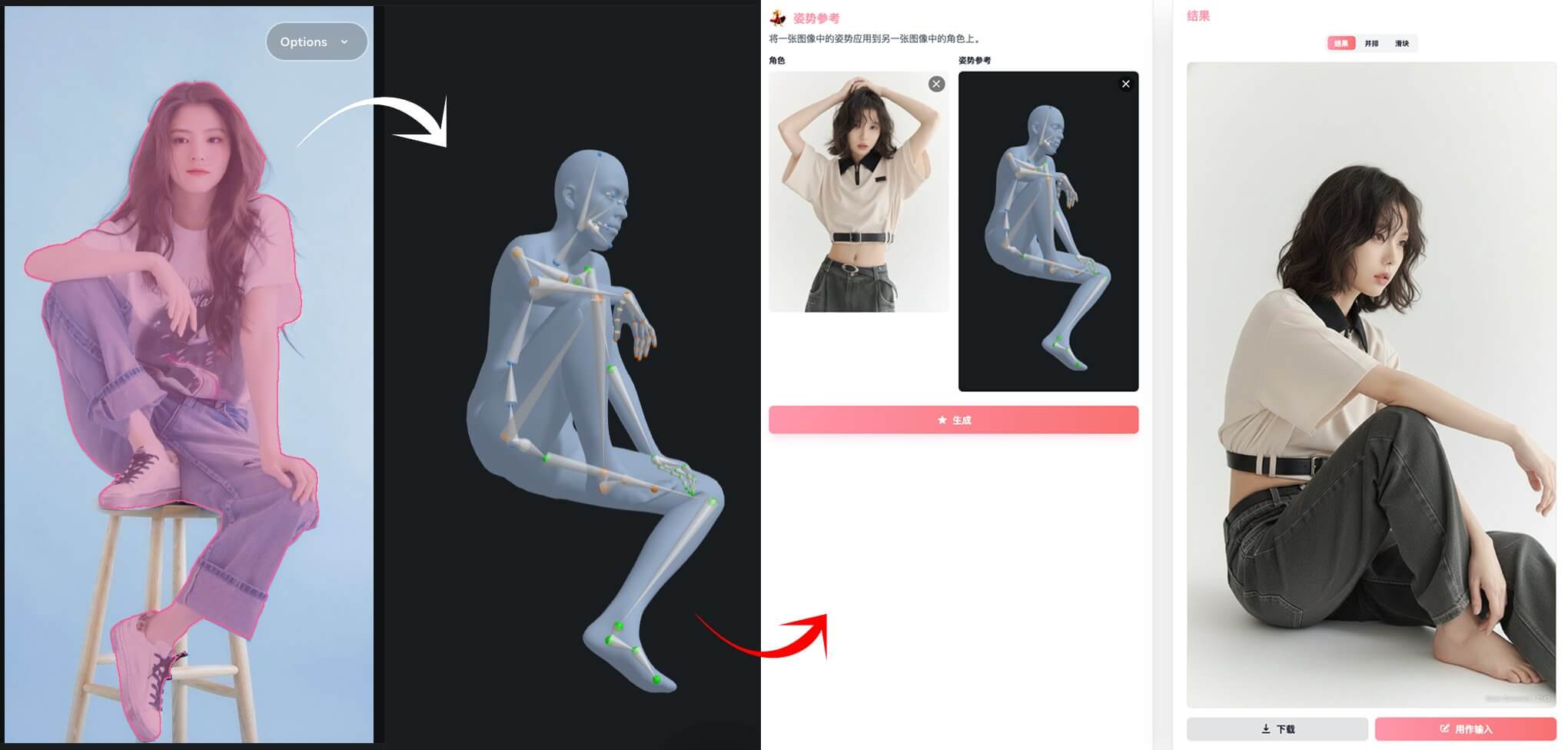
Style transfer

Recommended for you

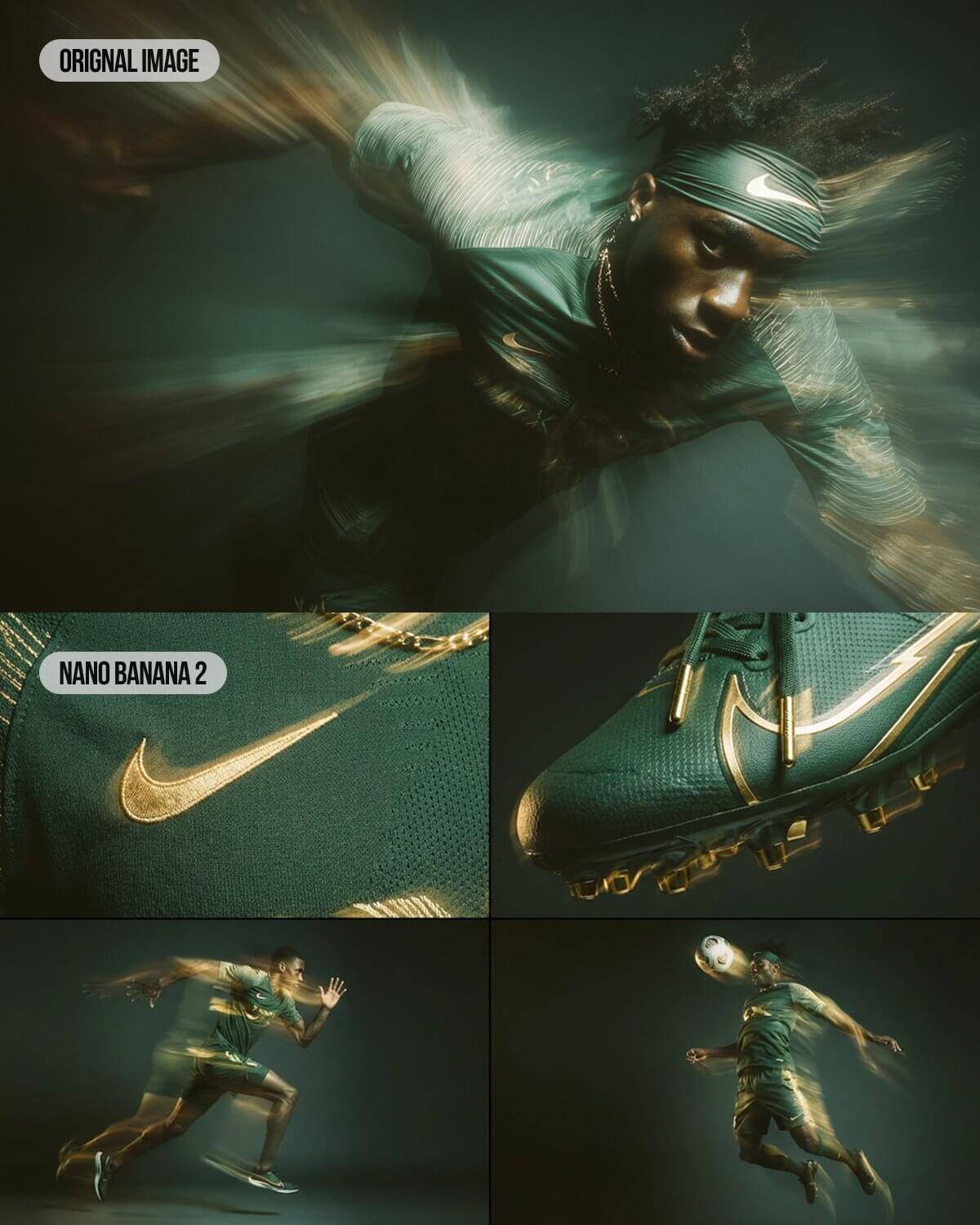
Powered by leading image models

Nano Banana ProNano Banana 2GPT Image 2.5

WHAT IT DOES

What you can do here

The tools you actually need to turn an idea into a finished image.

Text-to-image, in seconds

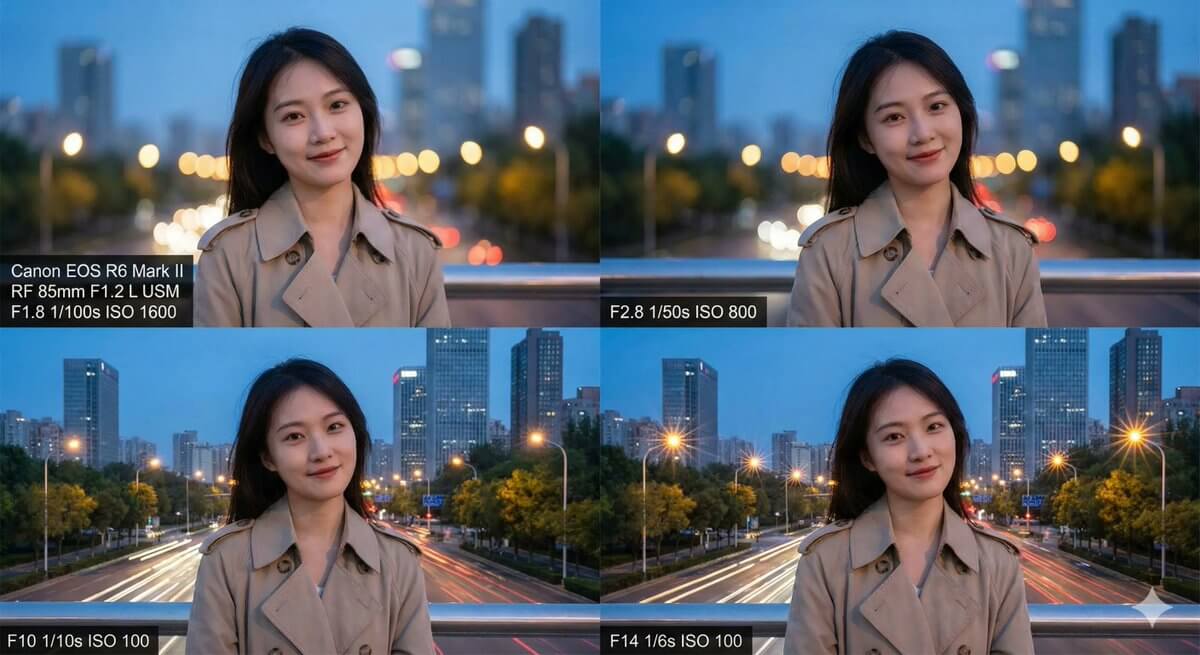
Describe what you want. The AI turns it into an image in a few seconds — no forms, no settings to learn.

Make the sky a sunset and add a soft glow
Done — generated 1 variation in 4.1s. Want it warmer?

Edit with plain words

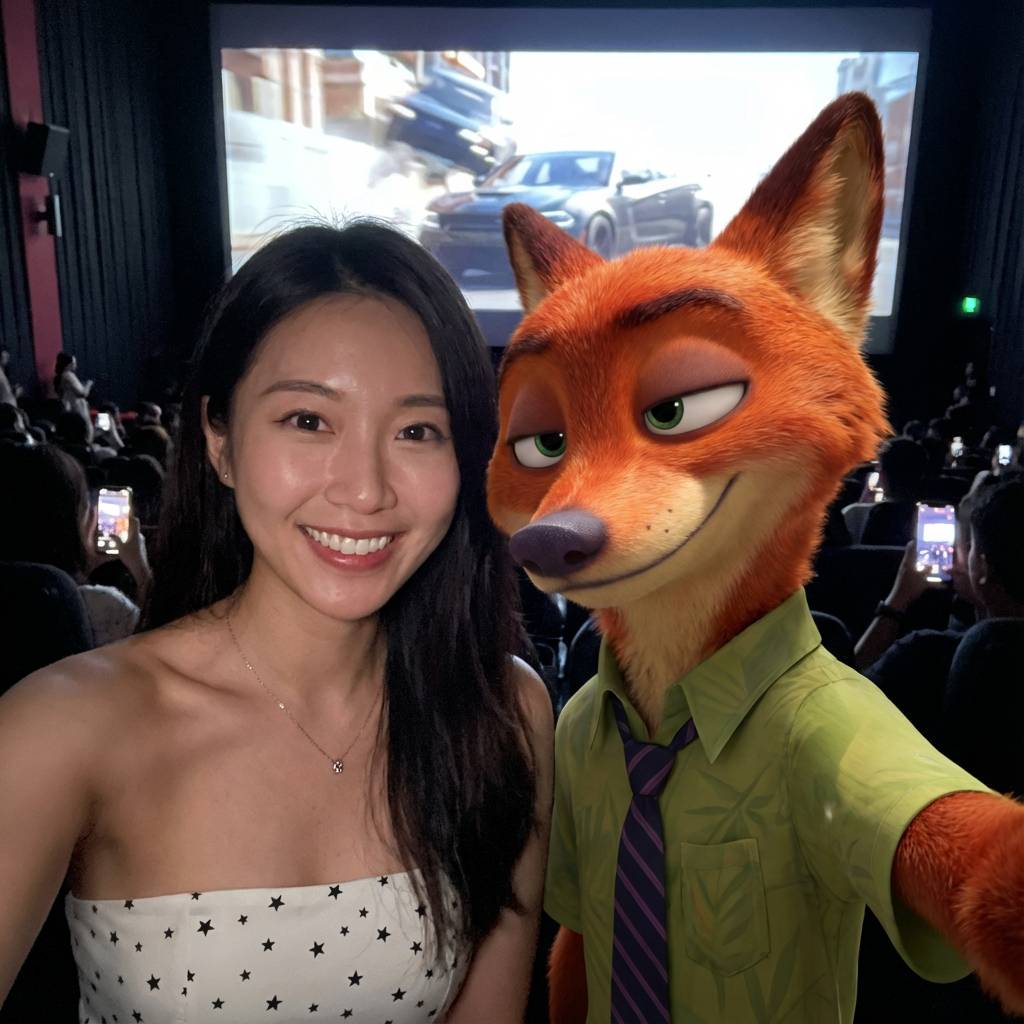
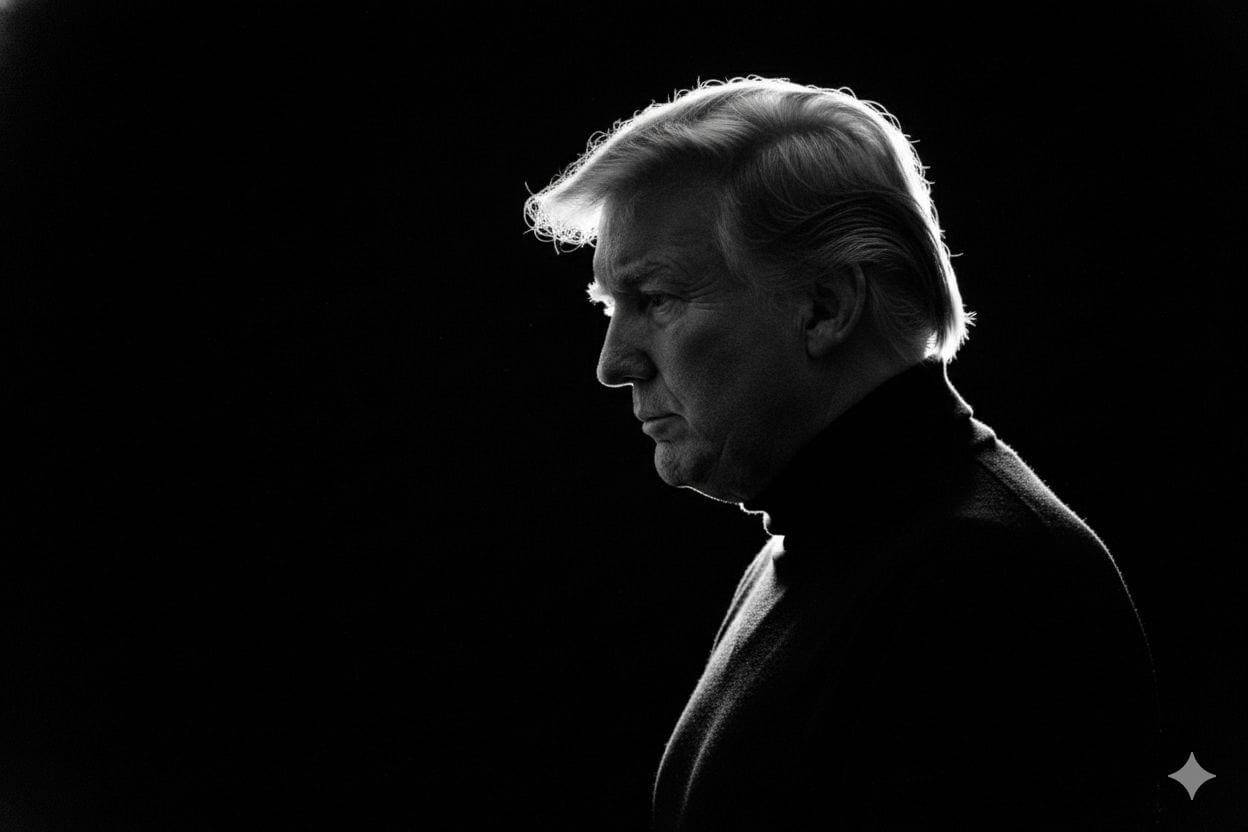
Upload a photo and say what to change: swap the background, restyle the outfit, restore an old print. The edit keeps the rest of the scene intact.

Source
Style: Pixar
v3

MODEL CHOICE

Multiple image models

Switch between Nano Banana 2, Nano Banana Pro, and GPT Image 2.5 in one place. Each has its own look — pick per image.

Nano Banana Pro
Nano Banana 2
GPT Image 2.5
+ more

Iterate without starting over

Generate variations of any image and keep refining the style, lighting, or composition. Earlier versions stay in the chat history.

  1. Original
  2. v1 · style transfer
  3. v2 · color grade
  4. v3 · finalcurrent

FREQUENTLY ASKED QUESTIONS

Frequently asked questions

  • It depends on what you're after. If you want photorealistic output that's fast and easy to use, this one is built for exactly that: type a prompt and get an image back in a few seconds.

  • Yes. You can generate images here at no cost to start. Describe what you want in a prompt and hit generate, no design background needed.

  • It's a deep learning model that reads your text prompt and produces an image from it. You can also upload a reference image and describe the changes you want, and the AI edits it while keeping the original scene and style intact.

  • Yes. Set an aspect ratio like 1:1, 16:9, or 9:16 and the model renders at that proportion, so the image comes out already framed the way you need it.

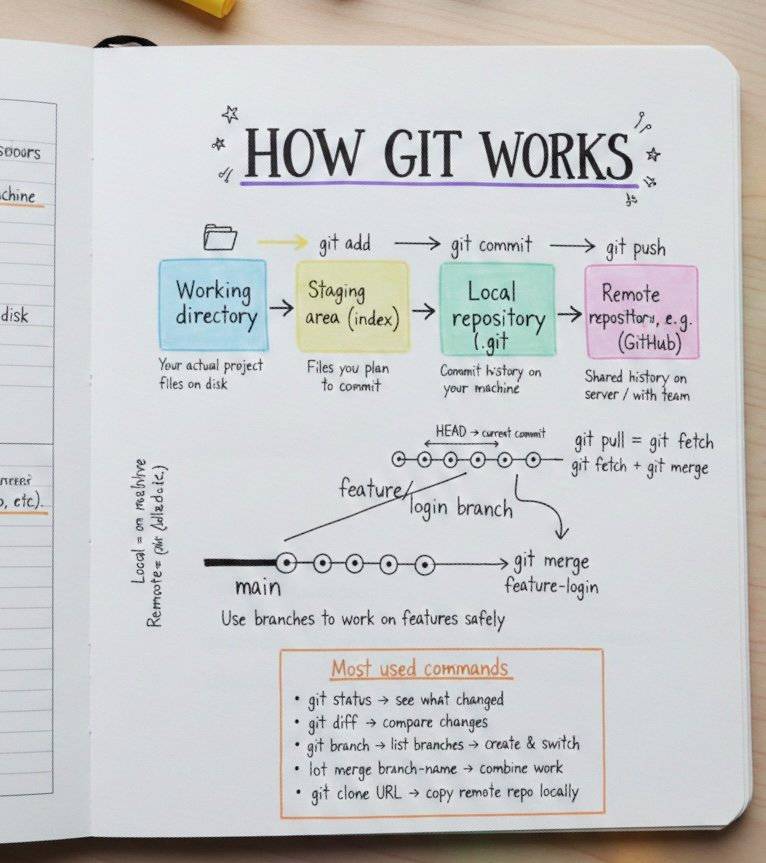
  • Describe the subject and setting first, then add mood or lighting cues, then specify a style or camera angle. You can mention colors, materials, or upload a reference image to steer the composition. Detailed prompts tend to get better results.

  • Yes, images generated here can be used commercially. Just make sure you have the rights to any reference image you upload, and check the terms of service for the specifics on commercial use.

  • Credits are the unit each image costs. A render on Nano Banana 2 costs 8 credits and Nano Banana Pro costs 12, deducted when the image generates — and refunded automatically if generation fails. New accounts start with free credits to try it out.

  • Nano Banana 2 is the fastest and cheapest, good for most prompts. Nano Banana Pro handles trickier compositions and text inside images more reliably. GPT Image 2.5 is strongest at following long, specific instructions. You can switch models per image in the composer.

Try the Best AI Image Generator Free

No design skills needed. Type a prompt and start generating.